Solution Builders team
Jump to a section
- Resilience is an architecture, not a product: identity, devices, files, communication and recovery designed so no single failure stops work.
- On a well architected Microsoft 365, a Minnesota ice storm, a dead laptop and a restore drill all fit inside one ordinary Tuesday.
- Backup for Microsoft 365 and SD-WAN for locations are the two layers most Twin Cities companies skip and most regret.
- Run the fragility test this week: if any answer includes the word wait, you have found the layer to fix first.
The fragility test every Minneapolis remote work IT setup should pass
Every Twin Cities leader knows this morning. An ice storm glazes I-494 before dawn, the power flickers out across half of Bloomington, and the first email of the day is "is the office open?" In a fragile company, the answer decides whether anything gets done. In a resilient one, nobody sends the email at all.
That is the whole test for a remote work IT setup in Minneapolis: can your people do a full day of real work when the building is dark, the commute is a parking lot or a laptop dies at 1:30 p.m.? If the answer involves waiting, you have a fragility problem. If the answer is a shrug, you can work from anywhere through Minnesota winter storms, because plan A never depended on the building.
Resilience is not a product you buy. It is an architecture: identity, devices, files, communication and recovery designed so that no single failure can stop the business. On a well architected Microsoft 365 environment, that architecture is not exotic. It is Tuesday. Confidence is not the same thing: in the Veeam Data Trust and Resilience Report 2026, 90% of IT and risk leaders were confident they could recover from a cyber incident within their targets, yet among organizations hit by ransomware only 28% fully recovered their data.
Morning: the storm hits and the team signs in from anywhere
Picture a Monday in January. A storm that was supposed to miss the metro did not, and the office off the I-494 corridor is dark.
- 7:40 a.m. The forecast turnsPower is out across half the city. In the old world this is a lost day. Here, nobody even drafts the "is the office open" email.
- 8:05 a.m. Sign in from anywhereThe team signs in from kitchens, a cabin near Brainerd and one committed coffee shop in the North Loop. Entra ID checks every identity with multifactor authentication, Intune confirms every device is healthy, and everyone lands in the workspace they had on Friday.
- 8:30 a.m. Stand up, one clickThe morning huddle happens on a Teams video call, recorded and transcribed automatically. The agenda lives in the channel, next to every file the team will touch today.
- 9:15 a.m. Coauthor, not attachMarketing and sales open the same proposal in SharePoint and edit it together in real time. Comments replace the reply all chain. There is exactly one version of the truth.
That is Microsoft 365 set up the way it was designed: identity and device checks quietly replacing the VPN and the server closet.
Afternoon: a client pitch, a dead laptop and a restore drill
Afternoons are where fragile setups crack, because that is when the second and third problems stack on the first.
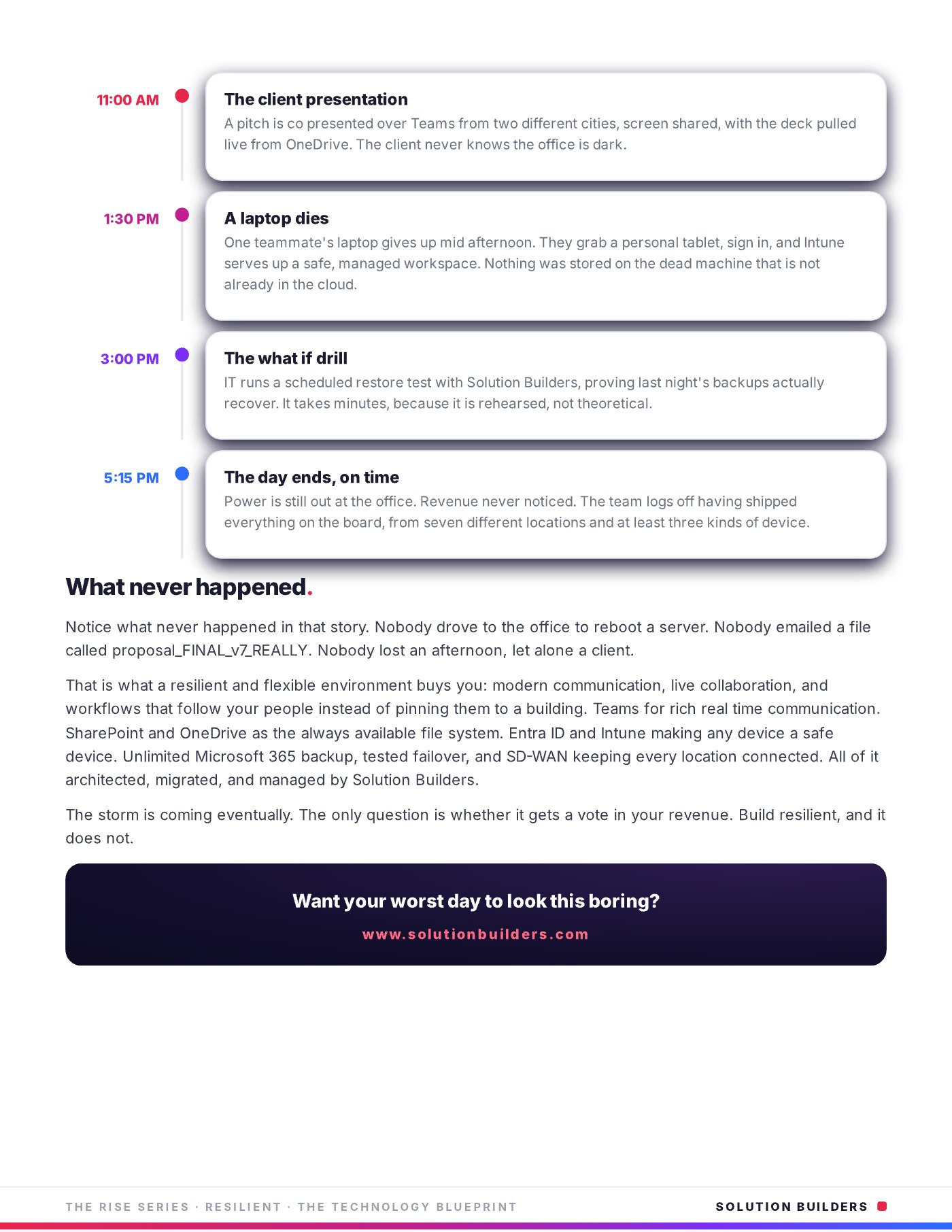
- 11:00 a.m. The client presentationA pitch is co presented over Teams from two cities, screen shared, with the deck pulled live from OneDrive. The client in St. Paul never knows the office is dark.
- 1:30 p.m. A laptop diesOne teammate's laptop gives up mid afternoon. They grab a personal tablet, sign in, and Intune serves up a safe, managed workspace. Nothing was stored on the dead machine that is not already in the cloud.
- 3:00 p.m. The what if drillIT runs a scheduled restore test with Solution Builders, proving last night's backups actually recover. It takes minutes, because it is rehearsed, not theoretical.
- 5:15 p.m. The day ends, on timePower is still out at the office. Revenue never noticed. The team logs off having shipped everything on the board, from seven locations and at least three kinds of device.
The list that matters most
Nobody drove across the metro to reboot a server. Nobody emailed a file called proposal_FINAL_v7_REALLY. Nobody lost an afternoon, let alone a client. The 3:00 p.m. drill is the step most companies skip and our backup and disaster recovery team never does.
Entra ID, Intune, Teams and SharePoint: the stack that makes it boring
None of the eight moments needed a hero. They needed six pieces, each doing one job, so that any device becomes a safe device and any location becomes the office. That is Entra ID, Intune, Teams and SharePoint working as one platform instead of four licenses.
| Layer | What it does on the storm day | What breaks without it |
|---|---|---|
| Entra ID | One secure identity for every app, multifactor built in | Shared passwords, VPN bottlenecks |
| Intune | Makes any device managed and safe, even a personal tablet | A dead laptop ends the day |
| Teams | Chat, calls, video and files in one place | Conference lines and lockouts |
| SharePoint and OneDrive | The always available file system, versioning on by default | Attachments and FINAL_v7 |
| Microsoft 365 backup | Every mailbox and file restorable, tested on a schedule | Deleted means gone |
| SD-WAN | Keeps every location connected over whatever link is up | One carrier outage, one dark site |
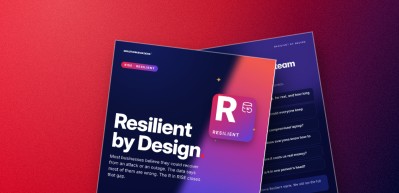
The last two rows are the ones most Twin Cities companies skip. Backup for Microsoft 365 is not included in the license, and a managed SD-WAN keeps a plant in Greater Minnesota and an office in the metro on one network through a carrier outage. Together these layers are the R in RISE, our Resilient pillar (more in RISE: Resilient). If your servers still live in a closet, the path starts with a cloud migration planned around the moments above, not the hardware.
Why most Microsoft 365 business continuity plans fail the shrug test
Most companies with 25 to 500 employees already pay for most of this stack. What they are missing is the architecture, and the difference shows up as habits, which is the comparison we draw on a whiteboard for new clients in Bloomington.
Resilient on paper
- Files on a server, synced "when it works"
- VPN for remote, and one person who knows the password
- Backups that exist but have never been restored
- Snow day means "check email if you can"
Resilient on a Tuesday
- Identity and device health decide access, not location
- One file system, one version of the truth
- Restores rehearsed on a calendar with Solution Builders
- Snow day means nobody notices
A 60 user architecture firm with multiple Minnesota locations made this move with us: a cloud native migration that cut infrastructure cost 38%, tripled remote productivity and left zero on premises footprint. That is Microsoft 365 business continuity done properly. A resilient workplace is not one where nothing goes wrong. It is one where the things that go wrong do not get a vote.
The storm is coming eventually. The only question is whether it gets a vote in your revenue.What Resilient Work Looks Like, The Technology Blueprint
How to run the fragility test this week
You can run the fragility test in under an hour. Do it before the first real snow.
- Ask five people what they would do if the office lost power tomorrow. Write down every answer that includes the word "wait."
- Check whether multifactor authentication and device health gate every sign in, or whether a VPN password still does.
- Find the last file someone emailed as an attachment instead of sharing a link. That is your file system telling on you.
- Ask when a backup was last restored, not when it last ran. If nobody knows, schedule the drill.
- Confirm every location can stay online through a single carrier outage.
- Name the owner of each gap and give them a date.
Solution Builders offers a no cost resilience review for Twin Cities companies: 30 minutes with an engineer from our Bloomington office, and you leave knowing which of the eight moments would break for you.
Resilient work for companies across the Twin Cities
Solution Builders has architected, migrated and managed Microsoft 365 environments for Minnesota businesses from Bloomington, next door to the Mall of America, since 1995. Our 50+ engineers support companies with 25 to 500 employees in Minneapolis, St. Paul and Greater Minnesota, with a 24/7 security operations center behind every tested restore. Related services: Microsoft 365, Data Backup and Disaster Recovery, Cloud Migration, SD-WAN. Contact us or book a 30 minute call.