Solution Builders team
Jump to a section
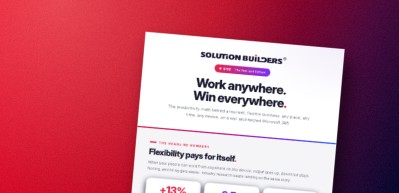
- Flexibility is a productivity, hiring and continuity feature at once; the headline figures are directional, but they all point the same way.
- Safety is a productivity feature: three copies, two media, one off site, and a restore test on the calendar.
- One file system and one communication hub end attachments and conference lines, which is where most of the time savings live.
- The platform is six Microsoft 365 components built as one system, plus SD-WAN for multiple sites and a migration if servers remain.
Why hybrid work technology pays for itself for Twin Cities companies
The first real snow of the season closes I-35W for the morning, a daycare in Eagan calls at 7:10, and your best estimator is at a job site in St. Cloud with a question that cannot wait. Hybrid work is not a policy decision at that point. It is a technology decision, and the companies in the Twin Cities that got their hybrid work technology right are quietly winning on productivity, hiring and continuity at the same time.
The headline numbers are striking, with one caveat up front: these are directional figures from widely reported industry research on remote capable knowledge work between 2024 and 2026, not a single controlled study, and your results depend on how well the technology underneath is built.
The pattern holds in our own client base. A 60 user architecture firm with multiple Minnesota locations tripled remote productivity after a cloud native migration with Solution Builders, cut infrastructure cost 38% and kept zero on premises footprint. Nothing exotic was involved, just a well architected Microsoft 365 with the right redundancy underneath.
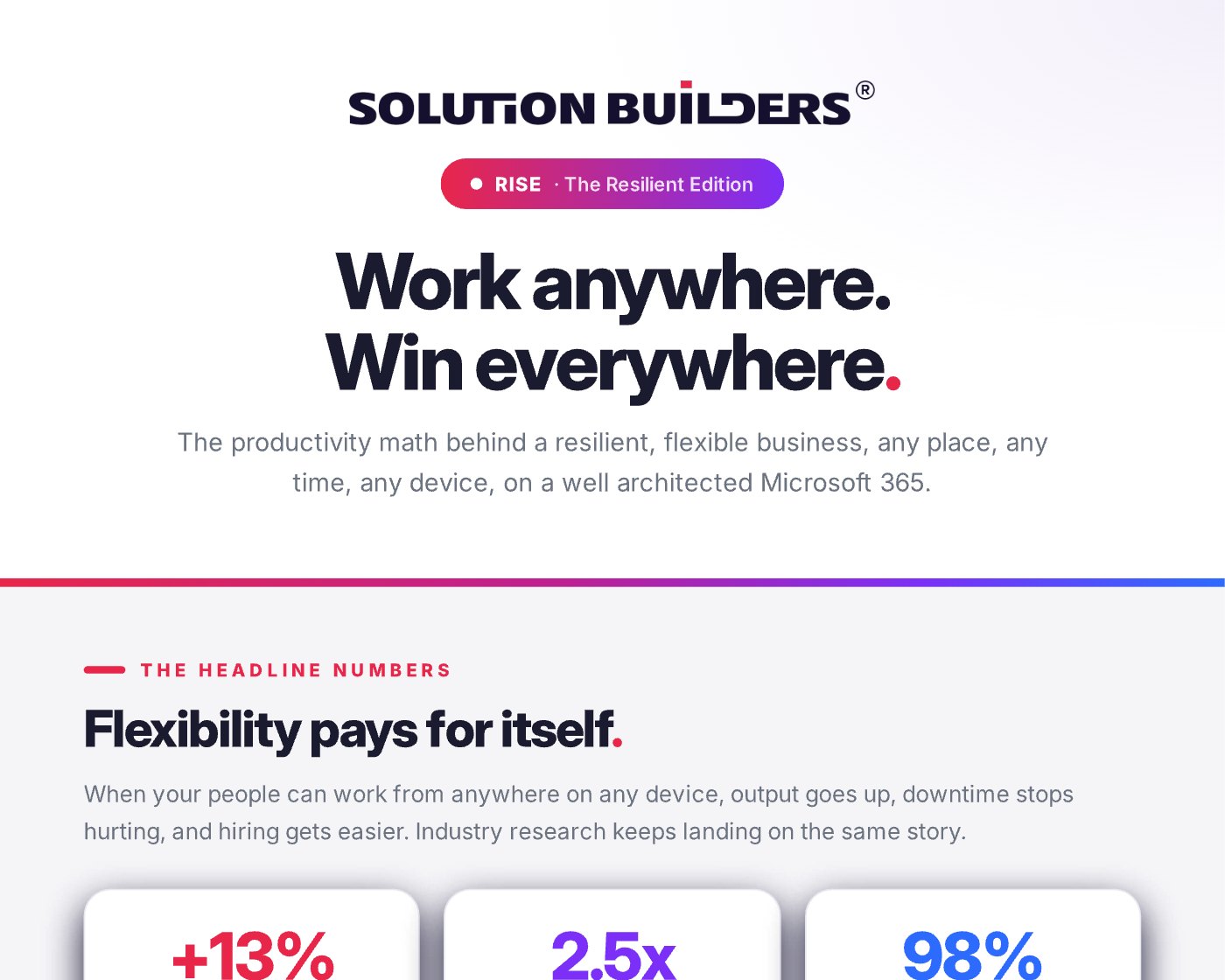
What improves when a team can work from anywhere
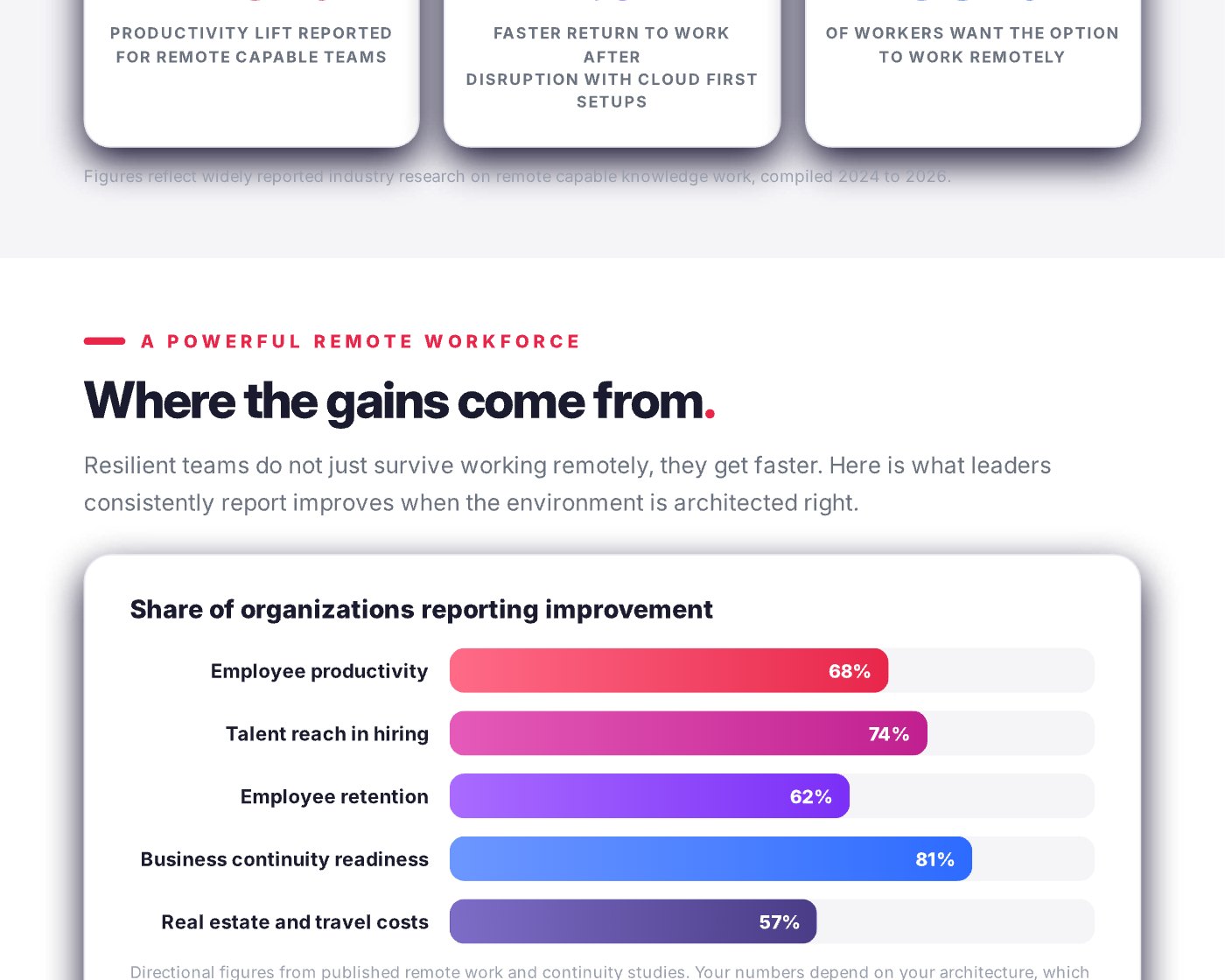
Productivity is the number everyone quotes, but it is not the one that convinces a CFO in Bloomington. The more useful view is the share of organizations reporting improvement across five areas, again directional, from published remote work and continuity studies.
| Area | Reporting improvement | What it looks like in Minnesota |
|---|---|---|
| Business continuity readiness | 81% | An ice storm is a calendar note, not a lost day |
| Talent reach in hiring | 74% | Hire the right engineer in Duluth, not the nearest one |
| Employee productivity | 68% | Fewer commutes on I-494, more deep work |
| Employee retention | 62% | Parents and caregivers stay |
| Real estate and travel costs | 57% | Less space downtown, fewer trips to the plant |
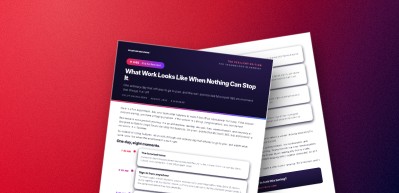
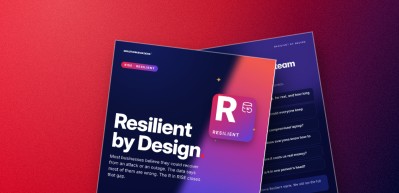
Notice which row is on top. Continuity readiness leads because flexibility and resilience are the same capability viewed from two angles: if your people can work from anywhere on an ordinary Tuesday, they can work from anywhere on the day the office floods. That is why we file this under the R in RISE, Resilient, and why the story of one ordinary day that refuses to go to plan is the companion piece to these numbers.
Safety is a productivity feature: the 3, 2, 1 backup rule
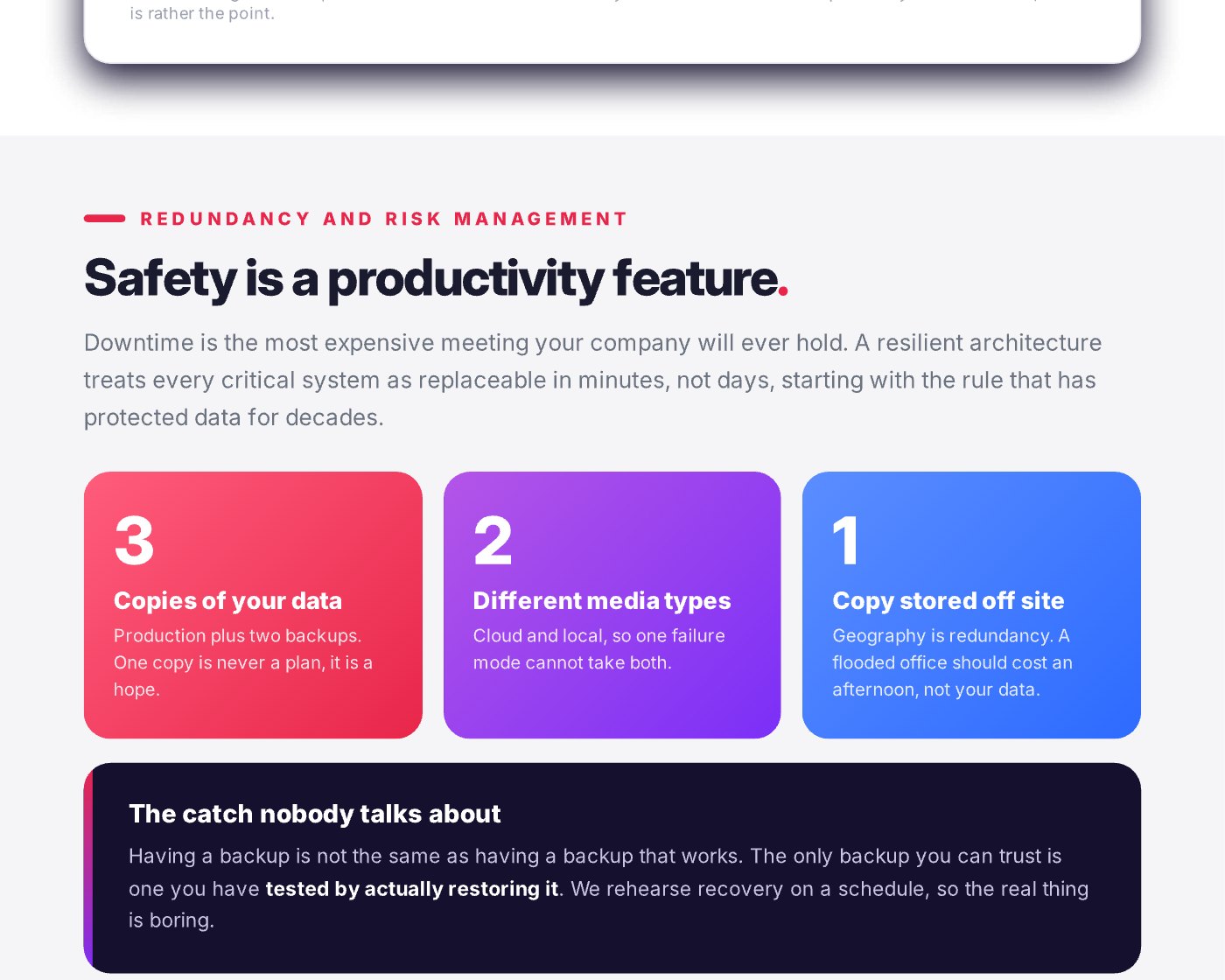
Downtime is the most expensive meeting your company will ever hold. Everyone attends, nobody decides anything, and it runs until IT says it is over. Flexible work only pays off if the data underneath survives bad days, which is where the 3, 2, 1 backup rule comes in.
- 3 copies of your dataProduction plus two backups. One copy is never a plan. It is a hope.
- 2 different media typesCloud and local, so a single failure mode cannot take both.
- 1 copy stored off siteGeography is redundancy. A flooded office in the North Loop should cost an afternoon, not your data.
Having a backup is not the same as having a backup that works
The only backup you can trust is one you have tested by actually restoring it. In the Veeam Data Trust and Resilience Report 2026, 90% of senior IT, security and risk leaders were confident they could recover within their targets, yet among organizations hit by ransomware only 28% fully recovered their data.
Solution Builders rehearses recovery on a schedule for every client, so the real thing is boring. If your last restore test is a memory, not a calendar entry, our backup and disaster recovery service starts there.
One file system and unified communications for Minneapolis teams
Two habits mark a company that has done hybrid work well: nobody emails attachments, and nobody dials a conference line.
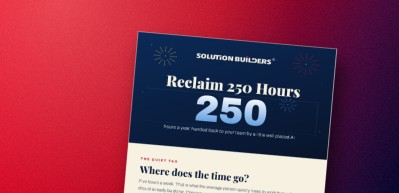
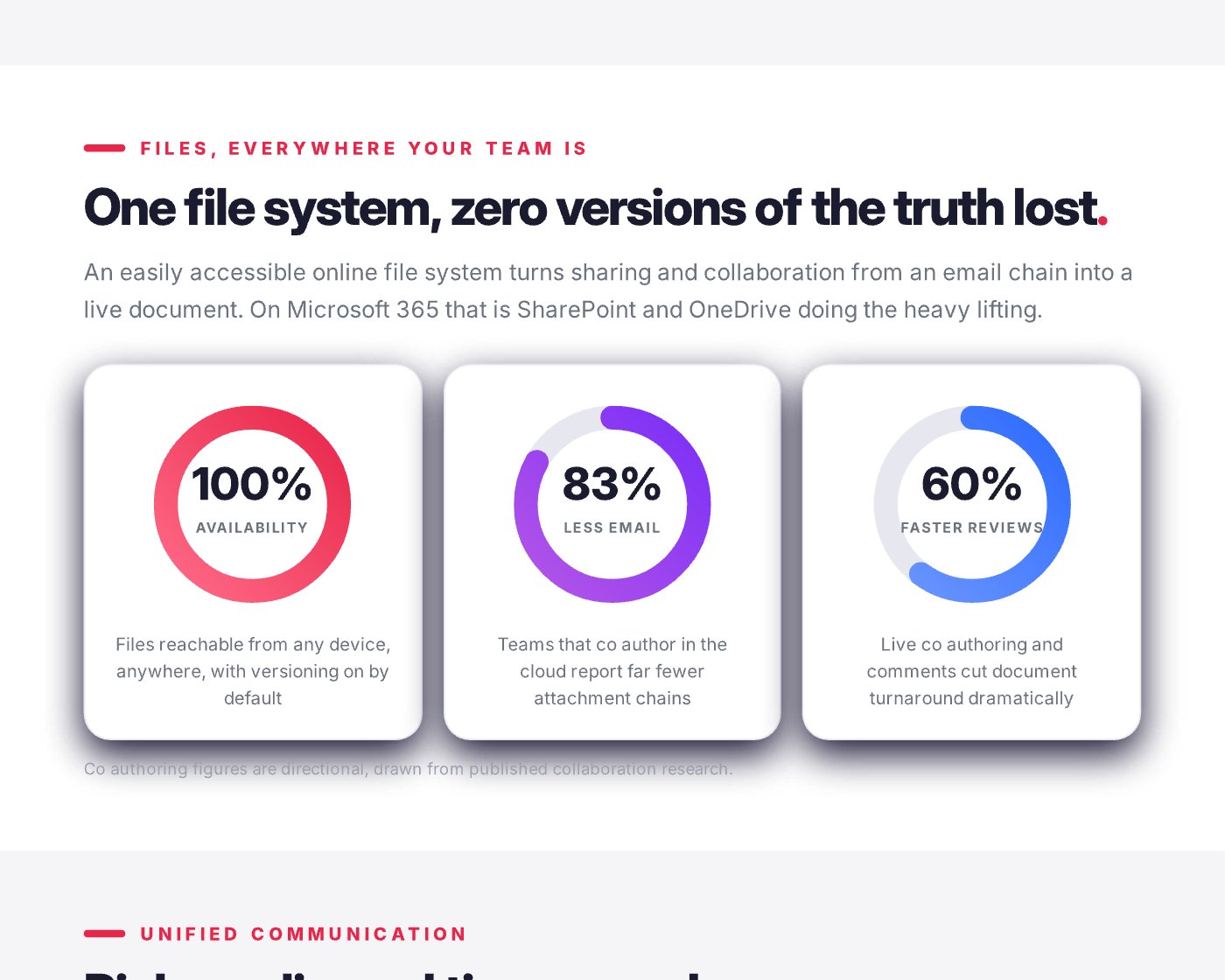
Files, everywhere your team is. SharePoint and OneDrive give you one file system with zero versions of the truth lost: files reachable from any device, versioning on by default, which the infographic summarizes as 100% availability. Teams that coauthor in the cloud report far fewer attachment chains (about 83% less email) and faster reviews (about 60%). Directional figures again, but anyone who has searched an inbox for "proposal_FINAL_v7" knows the direction is right.
Rich media, real time, one place. Unified communications in Minneapolis used to mean a phone system project. Now it means chat, calls, video, screen share and files together in Microsoft Teams, which is where the old way and the resilient way part company.
Work waits on the building
- Quick question: email thread, four hour wait
- Stand up: conference line, someone locked out
- Client pitch: deck emailed the night before
- Handoff: a zip file and good luck
- Office unreachable: work stops
Work follows the person
- Quick question: Teams chat, minutes, file attached
- Stand up: one click video, recorded and transcribed
- Client pitch: live screen share from two cities
- Handoff: a channel with the files, history and people
- Office unreachable: nobody notices
Microsoft 365 well architected: the platform underneath
Every number above depends on the platform being built properly. "Microsoft 365 well architected" means six components configured as one system, with identity and device health deciding access instead of the office network.
- Teams. Unified chat, calling and video, with the files in the same place as the conversation.
- SharePoint and OneDrive. The always on file system, versioned by default, shared by link instead of attachment.
- Entra ID. One secure identity for every app, with multifactor authentication built in.
- Intune. Any device managed and safe, from company laptops to personal phones.
- Exchange Online. Email in the cloud, not on a server in a closet off I-494.
- Microsoft 365 Backup, unlimited. Every mailbox and file retained and restorable, fully managed by Solution Builders.
Two things sit beneath the six. For multi-site companies, a managed SD-WAN keeps the plant in Greater Minnesota and the metro office on one network through a carrier outage. For companies still running servers, a cloud migration is usually the first phase, because flexibility cannot be bolted onto a file server. Our Microsoft 365 practice architects, migrates and manages the whole stack for companies with 25 to 500 employees.
A flexibility audit to run before the first snow
Eight questions, one afternoon, no purchase required. Each "no" is a place where flexibility, and resilience, is being paid for in waiting.
- Can every employee sign in from a personal device and get a safe, managed workspace?
- Does multifactor authentication cover every account, including shared mailboxes?
- Is every file in SharePoint or OneDrive, with no "real" copy on a local drive or server?
- Do meetings run in Teams by default, recorded and transcribed?
- Do you have three copies of your data, on two media types, with one off site?
- When was the last restore test, and who watched it succeed?
- Would a single carrier outage take a location offline?
- Could your team ship a full day of work with the office dark?
Solution Builders offers a free discovery session for companies across the Twin Cities: 30 minutes with a resilience architect from our Bloomington office, no pressure, just a plan.
Flexible, resilient work for Twin Cities companies
Solution Builders architects, migrates and manages Microsoft 365 for companies with 25 to 500 employees across Minneapolis, St. Paul and Greater Minnesota from our Bloomington headquarters, next door to the Mall of America. Our 50+ engineers, 24/7 security operations center and SOC 2 Type II audited practice have been doing it since 1995. Related services: Microsoft 365, Data Backup and Disaster Recovery, SD-WAN, Cloud Migration. Contact us or book a 30 minute call.