Solution Builders team
Jump to a section
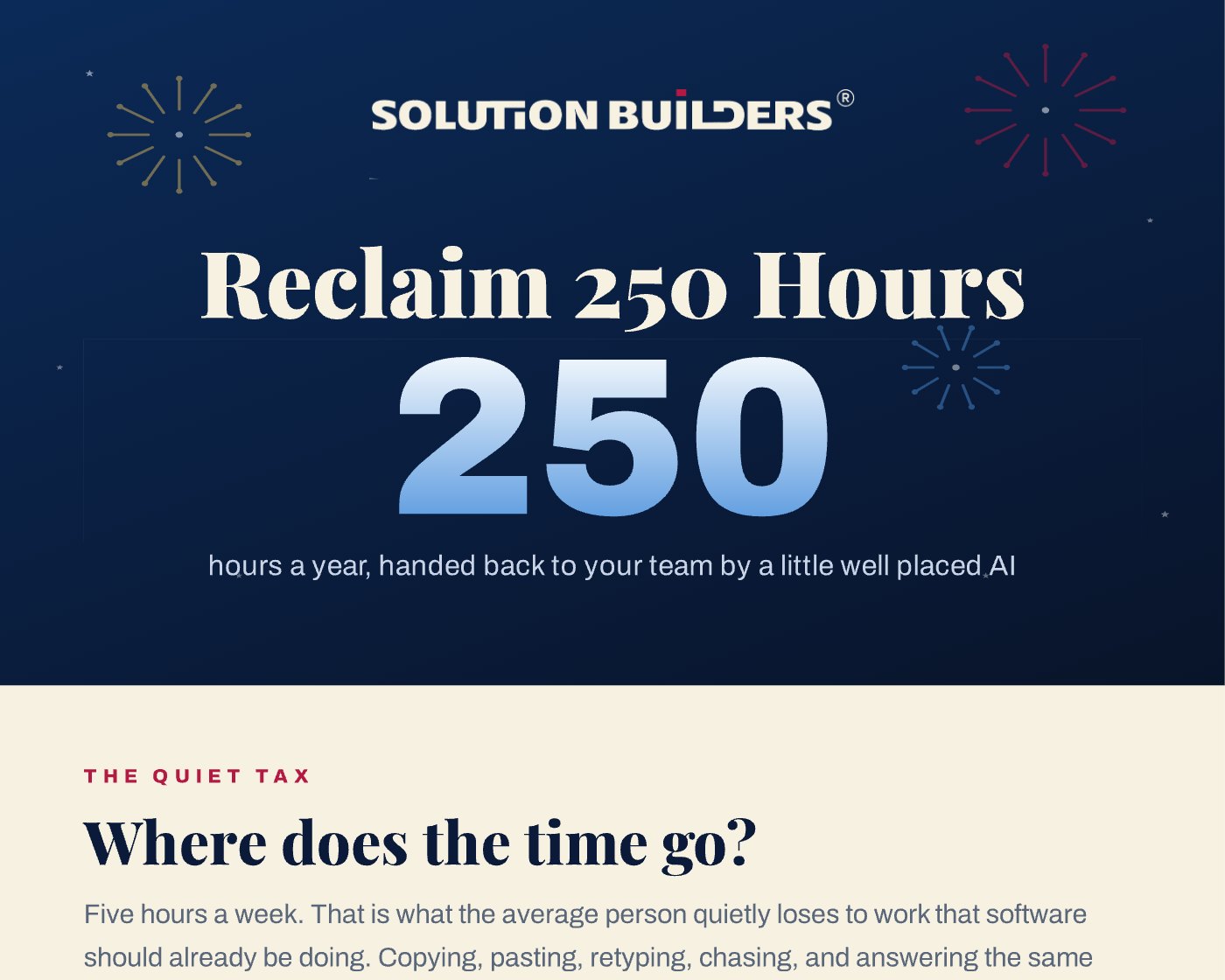
- The average person loses five hours a week to busywork software should already do. That is more than 250 hours a year, per person.
- Five plays cover it: inbox triage, meeting capture, automated follow ups, document data entry and a trained assistant for repeat questions.
- The math is 250 minutes a week of busywork removed; with the ripple effects gone, most teams recover a clean five hours.
- Guardrails come first: multifactor authentication, sensitivity labels, tenant bound AI and human review on anything that leaves the building.
The quiet tax: where five hours a week disappear
Walk the floor of any 80 person company in the Twin Cities at 4:30 on a Thursday and you will see the quiet tax paid. Someone is retyping a purchase order from a PDF into the ERP. Someone is scrolling an inbox for the one message that matters. Someone is explaining, for the hundredth time, where the vacation form lives. None of it is hard. All of it is work that software should already be doing, which is the real case for AI automation at a small business in Minneapolis.
The piece behind this article first ran around the Fourth of July 2026, when half of Minneapolis was trying to leave early for the lake, and it put a number on that tax: five hours a week per person, more than 250 hours a year. The number is not exotic. A global WalkMe study of 3,750 executives and employees, published in April 2026, found workers lose 7.9 hours a week to digital frustrations, so five recoverable hours is a conservative slice.
The grill is optional. The math works in October too.
Five practical AI plays for SMBs, set up in one afternoon
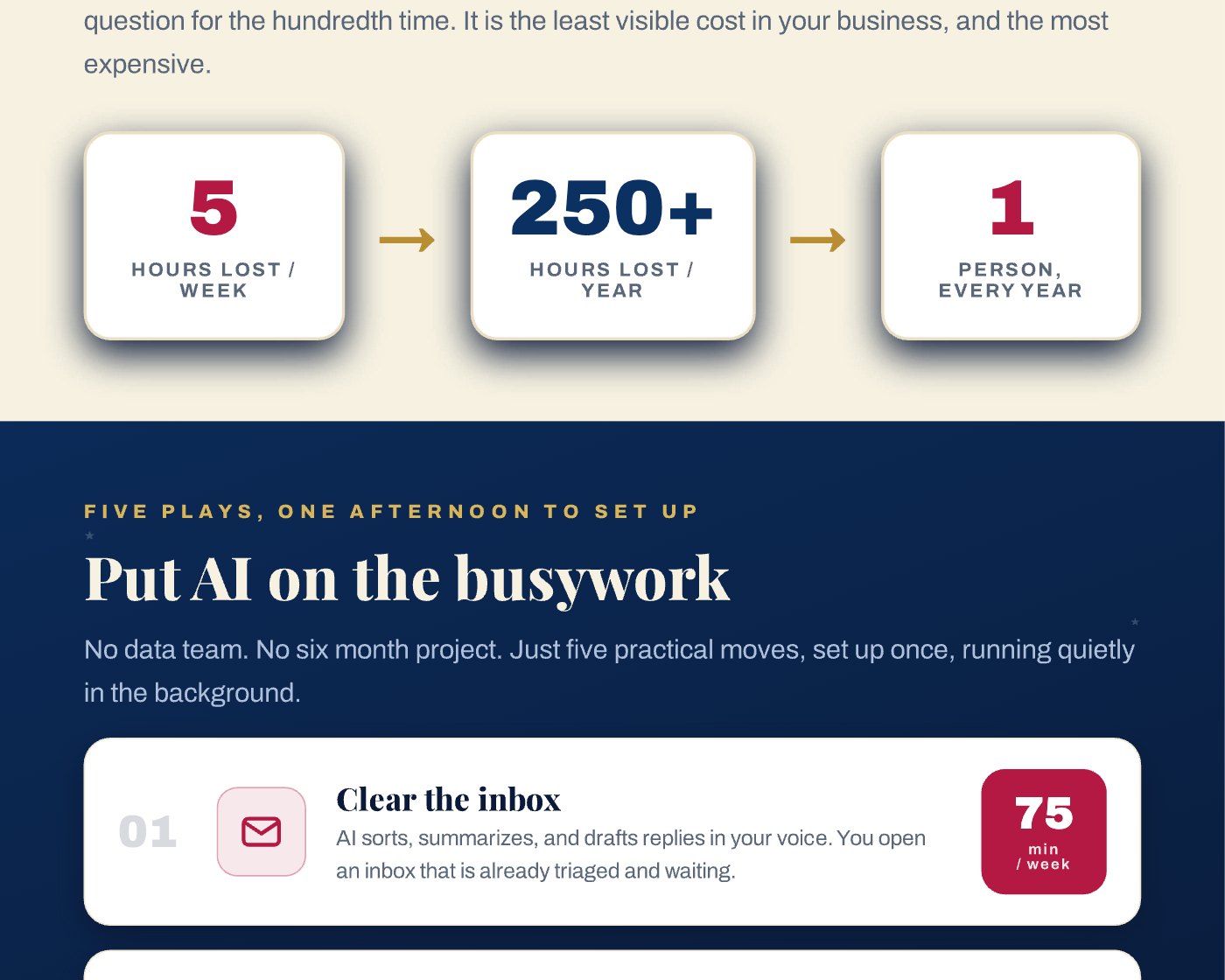
No data team. No six month project. Each play runs on tools most companies already license, with Microsoft Copilot doing much of the work inside Outlook, Teams and Excel. The minutes are the weekly savings per person.
- 01 Clear the inbox (75 minutes a week)AI sorts, summarizes and drafts replies in your voice. You open an inbox that is already triaged and waiting.
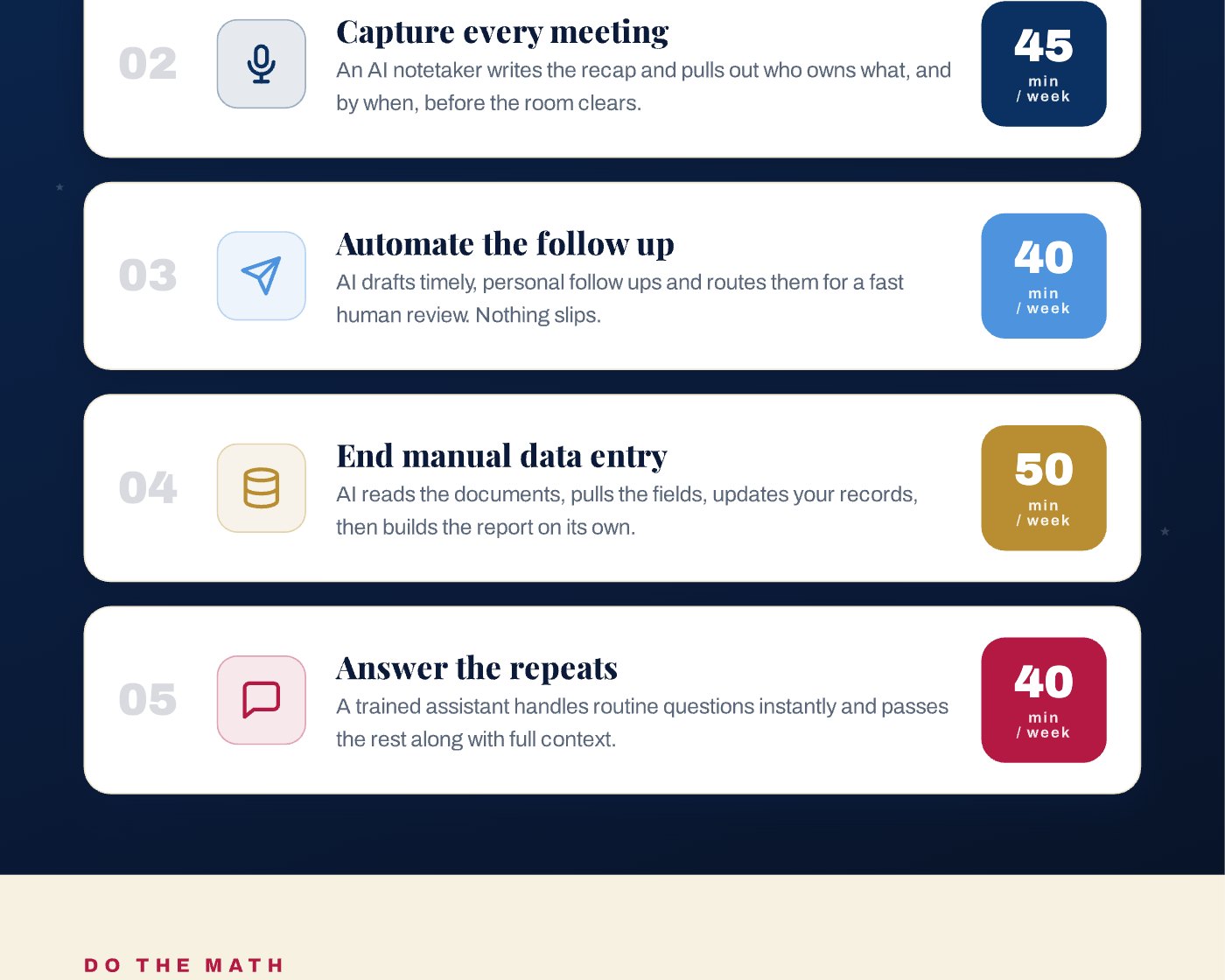
- 02 Capture every meeting (45 minutes a week)An AI notetaker writes the recap and pulls out who owns what, and by when, before the room clears. Nobody asks "what did we decide?"
- 03 Automate the follow up (40 minutes a week)AI drafts timely, personal follow ups and routes them for a fast human review. Nothing slips.
- 04 End manual data entry (50 minutes a week)AI reads the documents, pulls the fields, updates your records and builds the report on its own. The purchase order never gets retyped.
- 05 Answer the repeats (40 minutes a week)A trained assistant handles routine questions instantly and passes the rest along with full context.
Every play keeps a human where judgment matters and removes the human where it does not. That is the difference between Copilot rolled out with intent and Copilot switched on and forgotten.
Do the math: 250 minutes a week becomes 250 hours a year
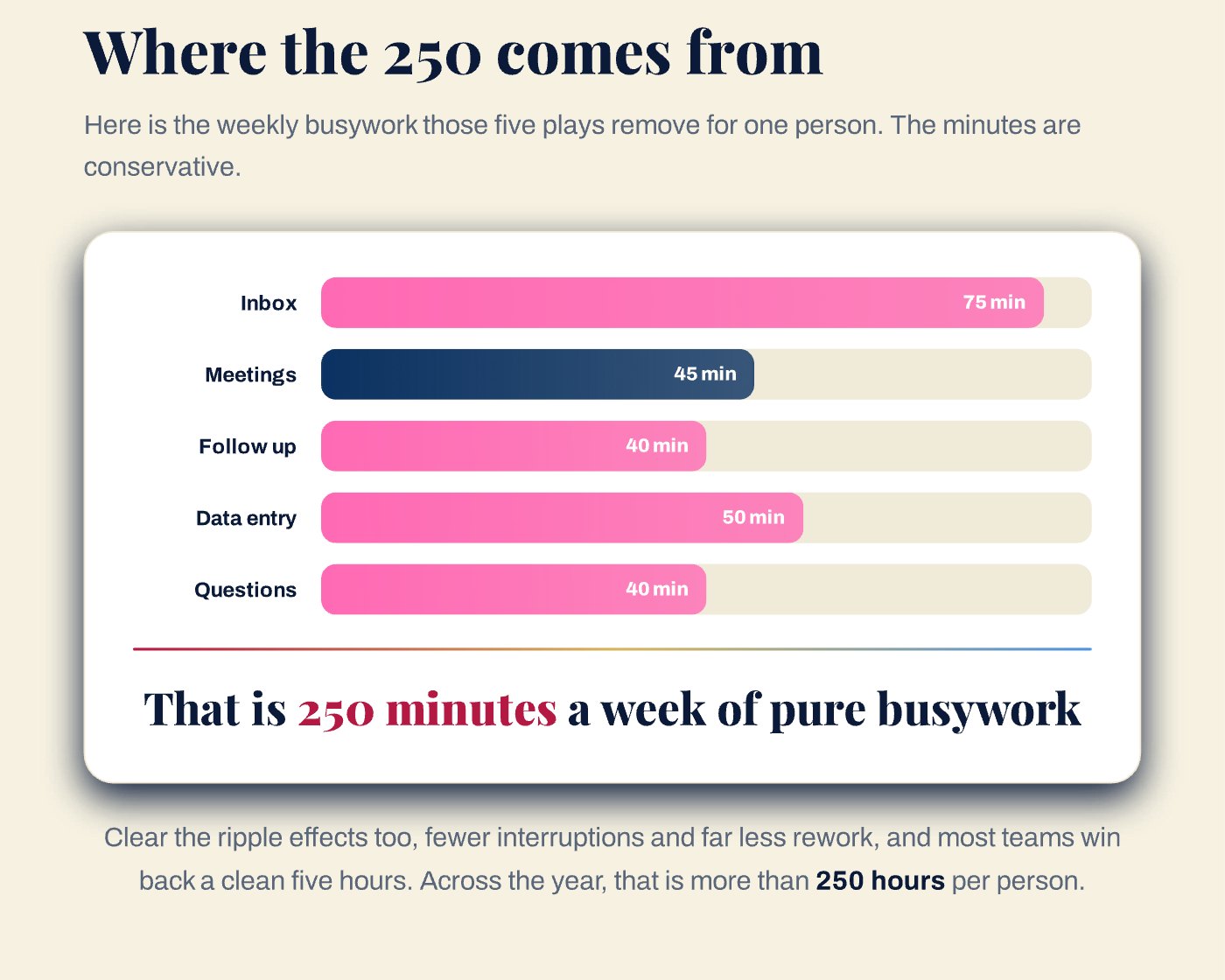
Add the five plays and you get 250 minutes a week of pure busywork removed, a little over four hours. Clear the ripple effects too, the interruptions each task causes and the rework that follows, and most teams win back a clean five hours. Over a 50 week year, that is 250 hours per person. Check the table against your own week.
| Play | Minutes a week | Hours a year (50 weeks) |
|---|---|---|
| Clear the inbox | 75 | 62 |
| Capture every meeting | 45 | 37 |
| Automate the follow up | 40 | 33 |
| End manual data entry | 50 | 42 |
| Answer the repeats | 40 | 33 |
| Total | 250 | 208, rising to 250+ with ripple effects |
A month of work, handed back
It is 31 full work days. It is six work weeks off the calendar, every year, for every person. It is more than 10,000 emails your team never retypes by hand. For a 100 person company in Bloomington, it is roughly 25,000 hours, which is twelve full time people worth of attention pointed at customers instead of clipboards.
AI automation for small business in Minneapolis only works with guardrails
Here is the part the cheerful version skips. An AI that reads every document, drafts every reply and updates every record has access to everything. The Intuit QuickBooks 2026 AI Impact Report, a survey of more than 34,000 business owners, found the biggest barrier to adoption is privacy and security at 36%, followed by not knowing what AI can do at 28%. Both are solved by a short list of guardrails, set up before the first play goes live.
- Multifactor authentication on every account the AI can act as, and no shared logins.
- Sensitivity labels on client, financial and HR data, so the assistant respects the boundaries your people do.
- Copilot and any AI tools kept inside your Microsoft 365 tenant, where your prompts and files are not used to train public models.
- Human review on anything that leaves the building: client emails, quotes, invoices.
- A log of what the AI did, reviewed monthly, and a way to turn a play off.
- A one page AI use policy your team has actually read.
This is the E in RISE, Evolving, and it only works on top of the S, Secure. Our AI consulting team in Minnesota sets up the plays, and our cybersecurity practice and 24/7 security operations center watch the identities the AI uses. For the longer version of the why, read The AI Advantage.
Which play to run first at a 25 to 500 person company
Start with the play that matches your loudest complaint, not the most impressive demo. Across Twin Cities companies the pattern by team is consistent.
- Sales and account management: the inbox and the follow up. Reps at a St. Paul distributor live in Outlook. Triage plus drafted follow ups gives them their afternoons back.
- Leadership and project teams: meetings. A notetaker in every Teams call ends the "who owns this?" problem for good.
- Finance and operations: data entry. Invoices, purchase orders and inspection reports are the documents AI reads best and humans hate most.
- HR, help desk and front office: the repeats. A trained assistant answers the same forty questions so your people only see the forty first.
Put AI on the busywork. No data team. No six month project.Reclaim 250 Hours, Solution Builders
Run one play for one team for 30 days, measure the minutes, then add the next. Five plays in five months is a good pace, and far better than five at once with nobody watching.
What to do next: an afternoon that pays back 250 hours
The afternoon, in order.
- Pick one team and one playAsk them which task they would pay to never do again. That is the play. Agree on how you will measure the minutes.
- Set the guardrailsConfirm multifactor authentication, sensitivity labels and the human review step before anything goes live.
- Turn it on and watch for 30 daysCheck the log weekly. Ask the team what it got wrong. Fix the prompt, not the person.
- Get a second set of eyesSolution Builders runs a free AI readiness conversation for Minnesota companies: 30 minutes with an engineer from our Bloomington office on which play fits and how to secure it.
We set it up, lock down the security around it and keep it running. Your team gets the 250 hours and none of the headaches. And yes, some of those hours are allowed to go to the grill.
Practical AI for growing companies in the Twin Cities
Solution Builders stands up AI for companies with 25 to 500 employees across Minneapolis, St. Paul and the metro from our Bloomington headquarters, next door to the Mall of America. Our 50+ engineers set up the plays, our 24/7 security operations center watches the identities behind them, and month to month terms mean the results have to keep earning your business. Related services: AI Consulting, Microsoft Copilot, Cybersecurity. Contact us or book a 30 minute call.