Solution Builders team
Jump to a section
- Resilience is five layers (identity, endpoints, email, network, recovery), not one great tool. Fund identity and recovery first if budget forces a choice.
- XDR and ITDR find the attacker. MDR is the human who acts at 2 a.m. Buy the outcome, not the acronym.
- Four one week sprints close the gaps attackers use most, and most steps need no new licenses, only decisions and a calendar.
- The partner question matters more than any product choice. Twelve questions separate a security partner from a reseller.
Why being a smaller company in Minnesota no longer protects you
There is a comforting story that goes around the Twin Cities business community: "we are too small to be a target." It was never really true, and today it is backwards. Attackers run automated campaigns that scan every exposed login and every unpatched server in the metro, from a 30 person accounting firm in Edina to a 300 person manufacturer off I-494. They do not pick targets. They harvest whoever is easiest.
The numbers behind that are remarkably consistent year after year. According to the Verizon 2024 Data Breach Investigations Report, 68% of breaches involve a human element such as a phished login or a simple mistake, and stolen credentials show up in roughly a third of intrusions. IBM's Cost of a Data Breach Report 2024 put the global average cost at $4.88 million and the average time to identify and contain a breach at 258 days. Smaller companies pay less in absolute dollars and far more as a share of revenue.
Here is the good news hiding in those figures. Most attacks do not break in. They log in. That means the fixes are mostly about hygiene and attention, not exotic technology, and a company with 25 to 500 employees can get to a defensible posture faster than it thinks. Cybersecurity services from Solution Builders in Bloomington are built around exactly that idea, and this article walks through the same playbook we use with clients across the Twin Cities.
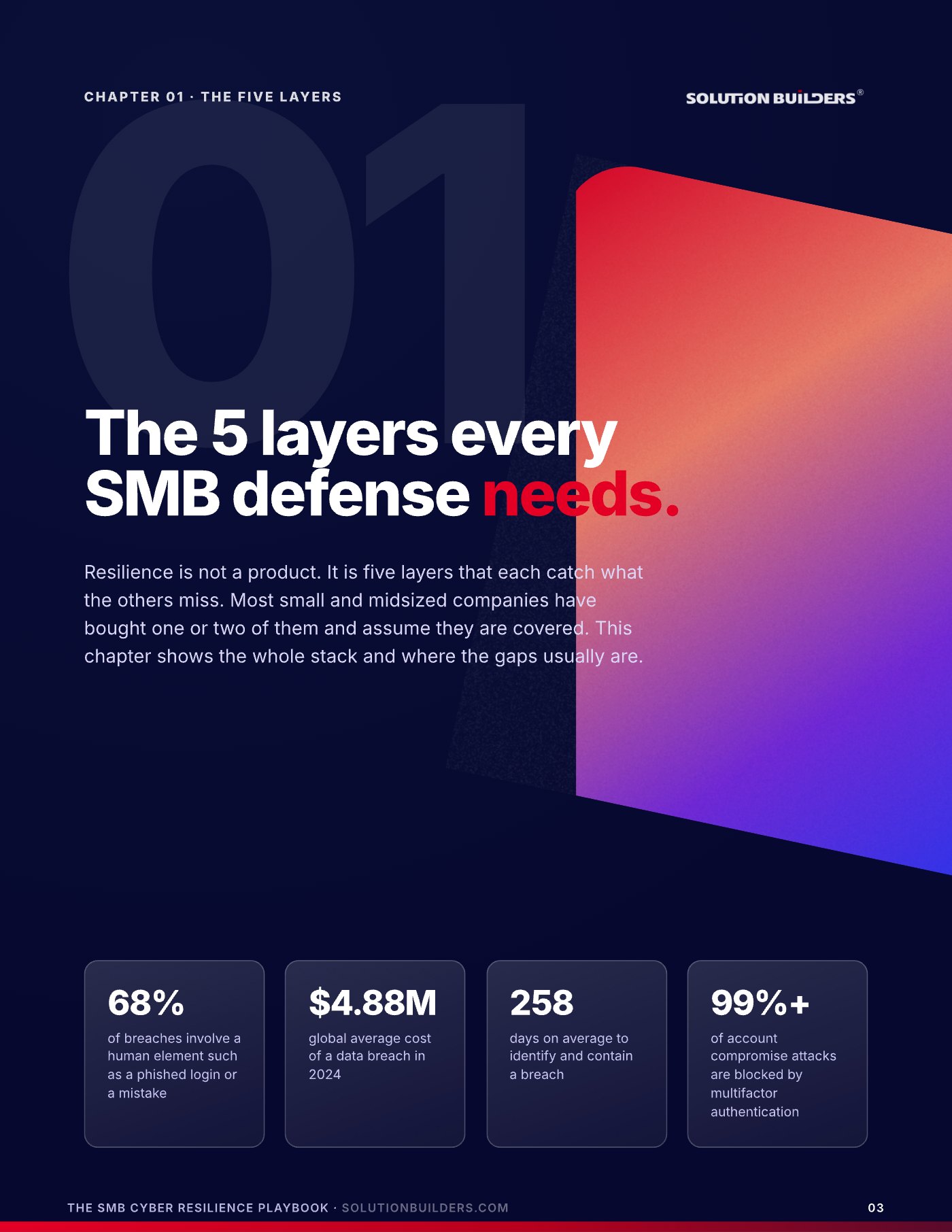
The five layers every SMB defense needs
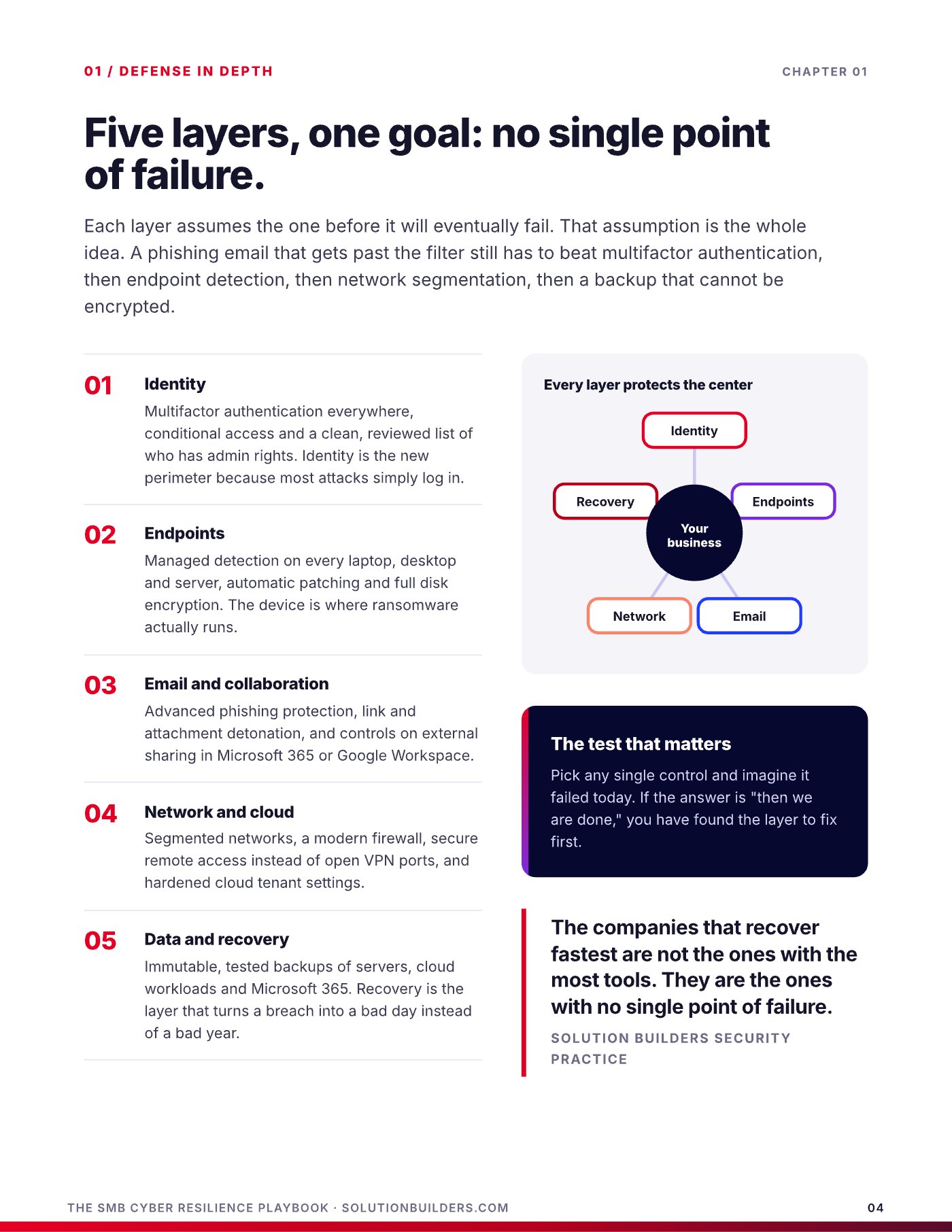
Resilience is not a product. It is five layers that each catch what the others miss. Each layer assumes the one before it will eventually fail, and that assumption is the whole idea. A phishing email that slips past the filter still has to beat multifactor authentication, then endpoint detection, then network controls, and if it somehow wins all of those, a tested backup turns a disaster into an afternoon.
- IdentityMultifactor authentication on every account, conditional access that blocks sign ins from places your people never are, and no shared admin logins. Identity stops most attacks from starting.
- EndpointsEvery laptop, desktop and server enrolled in management, patched on a schedule, encrypted, and watched by endpoint detection and response.
- Email and collaborationAdvanced phishing and impersonation protection, SPF, DKIM and DMARC published, and safe sharing settings in Microsoft 365.
- Network and cloudDNS filtering, segmented networks so a compromised printer cannot reach payroll, and cloud configurations reviewed by someone who knows what normal looks like.
- Data and recoveryImmutable, off site backups of servers, cloud workloads and Microsoft 365, restored and timed on a schedule. Recovery is the layer that guarantees a bad day is survivable.
Most small and midsized companies we meet in Minneapolis and St. Paul have bought one or two of these layers and assume they are covered. The quickest way to find your gap is a simple test. Pick any single control and imagine it failed today. If the honest answer is "then we are done," you have found the layer to fix first.
Fund identity and recovery first
Identity stops most attacks from starting. Recovery guarantees the ones that get through do not end the company. Everything in between makes the window smaller, but those two layers are the floor and the ceiling of your defense.
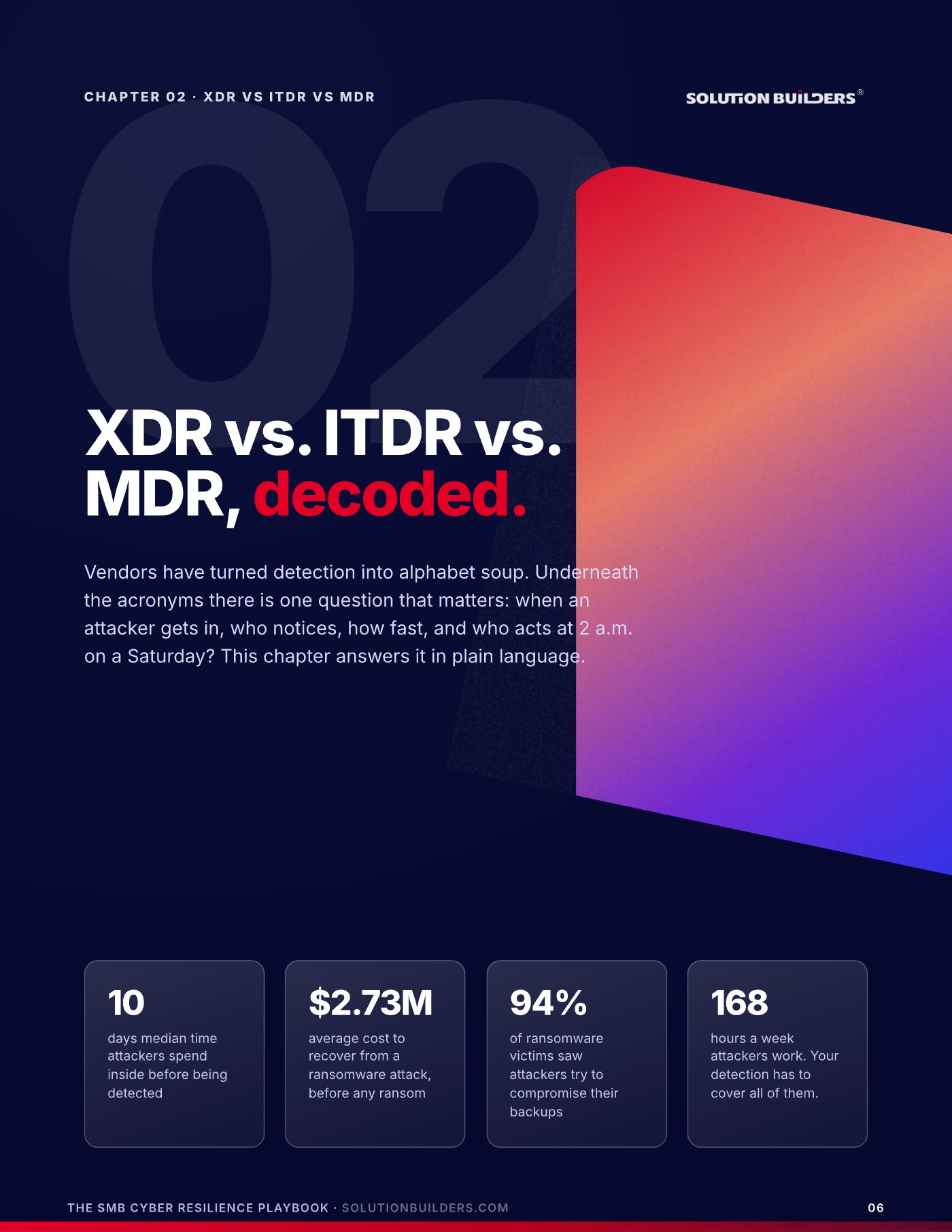
XDR, ITDR and MDR, decoded in plain language
Vendors have turned detection into alphabet soup. Underneath the acronyms there is one question that matters: when an attacker gets in, who notices, how fast, and who acts at 2 a.m. on a Saturday? Mandiant's M-Trends 2024 report put the median time attackers spend inside a network before detection at 10 days. That is the window you are trying to close.
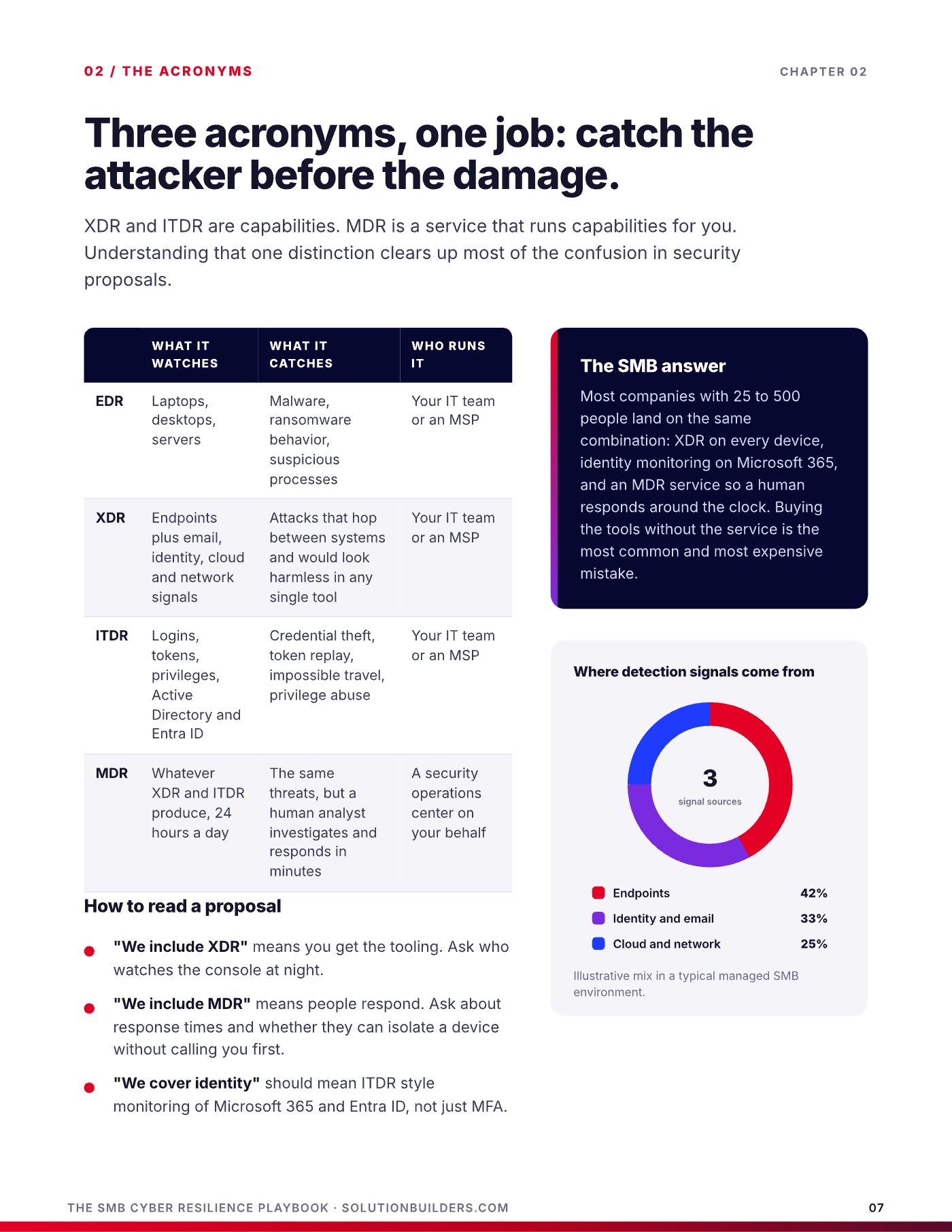
| Acronym | What it watches | What it catches | Who runs it |
|---|---|---|---|
| EDR | Individual devices | Malware, suspicious processes on one machine | A tool, plus whoever reads it |
| XDR | Devices, email, cloud and network together | Attacks that move between systems | A platform, plus whoever reads it |
| ITDR | Identities and sign ins | Stolen credentials, impossible travel, token theft | A capability inside your identity platform |
| MDR | All of the above | Everything the tools flag | People, 24/7, who investigate and respond |
The distinction that clears up most proposals: XDR and ITDR are capabilities. MDR is a service that runs those capabilities for you. "We include XDR" means you get the tooling, so ask who watches it. "We include MDR" means people respond, so ask about response times in writing. "We cover identity" should mean ITDR style monitoring of Microsoft 365 sign ins, not just a password policy.
Most companies with 25 to 500 people land on the same combination: XDR on every device, identity monitoring on Microsoft 365, and a managed detection and response team watching both around the clock. That is what a managed security service in the Twin Cities should mean, and it is why Solution Builders runs its own 24/7 security operations center rather than reselling someone else's dashboard.
What the stack looks like when it is working
Here is a real pattern from a 42 person professional services firm in the metro. One employee entered their password into a convincing fake Microsoft login page. What happened next is the difference between a tool and a team.
- Minute 0: credential phishedThe attacker has a valid username and password and tries to sign in from an unfamiliar location.
- Minute 2: ITDR flags the loginIdentity monitoring sees a sign in that does not match the user's normal pattern and raises an alert.
- Minute 4: XDR correlatesThe platform connects the strange sign in with a new mailbox rule the attacker just created to hide their tracks.
- Minute 9: an MDR analyst actsA human in the security operations center revokes the session, resets the credential and blocks the source.
- Minute 22: containedThe account is clean, the rule is removed, and the firm's day continues.
Compare that to what usually happens: the alert lands in an unread inbox, the mailbox rule quietly forwards invoices to the attacker for weeks, and the first anyone hears about it is a client asking why the bank details changed. Sophos reported in its State of Ransomware 2024 research that 94% of ransomware victims saw attackers try to compromise their backups, which is why the recovery layer and the detection layer have to be designed together.
A 30 day hardening checklist you can start Monday
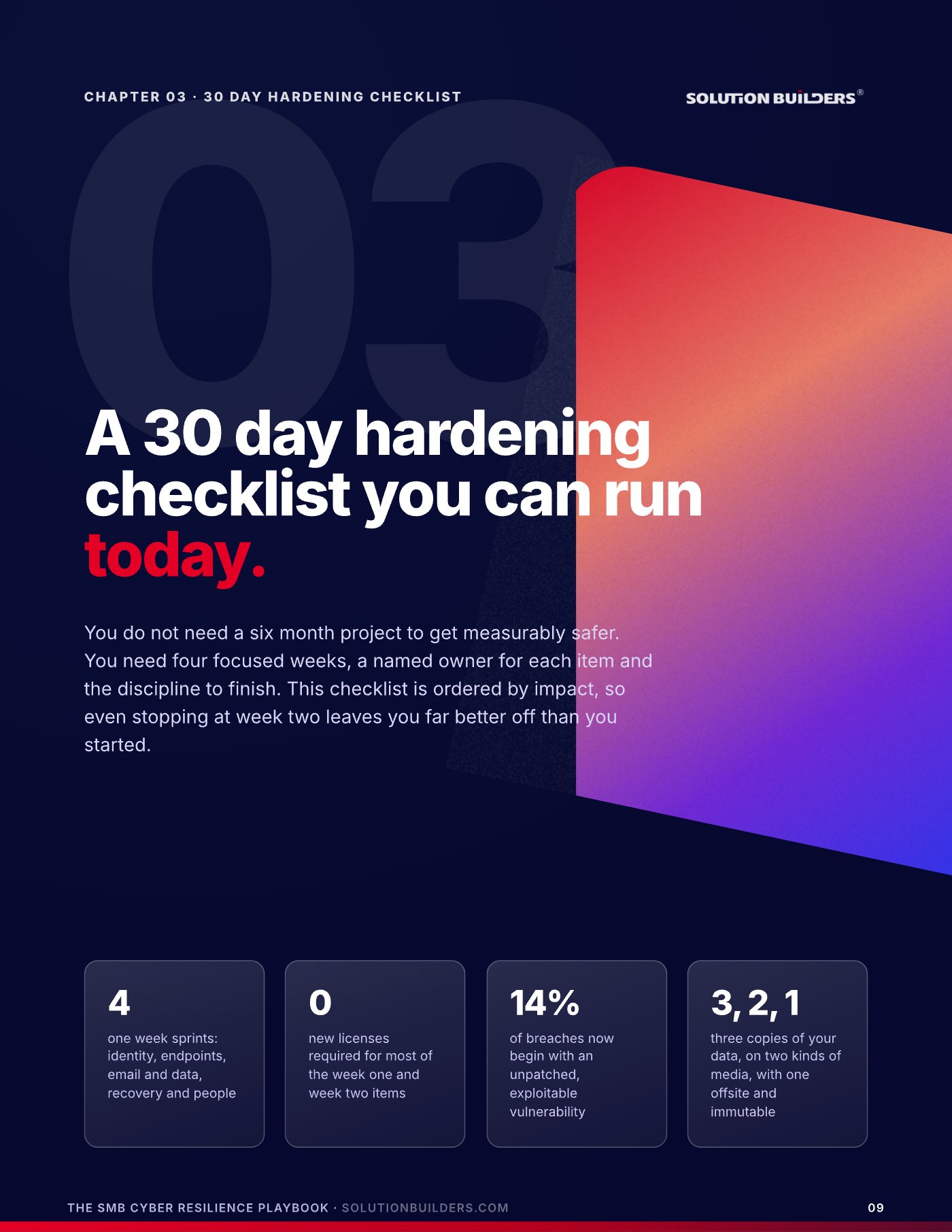
You do not need a six month project to get measurably safer. You need four focused weeks, a named owner for each item and the discipline to finish. The list below is ordered by impact, so even stopping at week two leaves you far better off than you started. Most of the week one and week two items require no new licenses, only the Microsoft 365 and endpoint tools you most likely already pay for.
Week 1: identity
- Enforce multifactor authentication for every user and every app, including email, VPN and remote access.
- Review every account with admin rights and separate daily use accounts from admin accounts.
- Disable legacy authentication protocols (POP, IMAP and basic SMTP) that bypass MFA.
- Turn on conditional access and block sign ins from countries you do not do business with.
- Remove accounts for anyone who has left, and check shared mailboxes and service accounts.
Week 2: endpoints
- Confirm every device is enrolled in management and reporting in.
- Patch operating systems and the big four: browsers, Office, PDF readers and remote tools.
- Turn on full disk encryption (BitLocker or FileVault) and escrow the keys.
- Deploy managed detection and response on every endpoint and server.
- Remove local administrator rights from standard users.
Week 3: email and data
- Enable advanced phishing and impersonation protection, with executive names on the watch list.
- Publish SPF, DKIM and DMARC so nobody can send mail pretending to be you.
- Add a one click "report phishing" button and tell people to use it without fear.
- Restrict anonymous external sharing links in Microsoft 365 and turn on DNS filtering on every device.
Week 4: recovery and people
- Back up servers, cloud workloads and Microsoft 365 to an immutable, off site copy (three copies, two media, one off site).
- Restore one server and one mailbox end to end. Time it. Write the number down.
- Agree on recovery time and recovery point targets for each critical system with the business, not just IT.
- Run a 60 minute tabletop exercise: "Payroll is encrypted on Friday at 4 p.m. What happens next?"
- Print the incident contact list and keep a copy that does not depend on your network.
Score yourself when you are done. Zero to eight items complete means you are relying on luck. Nine to sixteen means you have a real foundation. Seventeen or more puts you ahead of most companies your size in Minnesota. If you want help getting there, our backup and disaster recovery team runs the week four items for clients as a matter of routine.
How to choose a cybersecurity partner in the Twin Cities
At some point every growing company decides it cannot do this alone. The decision that follows, who to trust, matters more than any product choice. Verizon's 2024 report found that 15% of breaches involved a third party such as a vendor or partner, so the people holding your keys need to be held to a higher standard than you hold yourself.
Ask every one of these before you sign. A real partner will have crisp answers and documents to back them up. A reseller will change the subject.
- Who watches alerts at 2 a.m.? The answer should be a named team in a real security operations center, not "the platform."
- What is your median response time? In writing, with examples.
- Can you show me your own audit? SOC 2 Type II or equivalent. If they cannot prove their own security, they cannot run yours.
- How do you test our backups? The only acceptable answer involves actually restoring something on a schedule.
- What happens during an incident? Who calls whom, in what order, and what does the first hour look like?
- Can we talk to three clients our size? In your industry, in your region, with a story about a bad day.
Vendor signals
- "Our tool handles that automatically"
- No written response times
- No audit of their own security
- Price is the first slide, not the last
Partner signals
- A 24/7 SOC with named people
- Restore tests on a calendar
- Reporting your leadership team can read
- Clients your size who will take your call
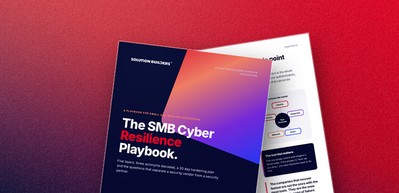
Hire the partner you would want on the phone at 2 a.m., not the one with the nicest slide deck.The SMB Cyber Resilience Playbook
Solution Builders has run that 2 a.m. phone call for Minnesota businesses since 1995, from our headquarters in Bloomington, next door to the Mall of America. We are SOC 2 Type II audited, our 50+ engineers back a 24/7 security operations center, and compliance support comes with the program rather than as an add on. Read how it played out for a 42 user accounting firm hit by ransomware.
What to do this week
Three moves, in order, and none of them require a purchase.
- Run the single point of failure testGather your leadership team for 20 minutes. Name each of the five layers and ask what happens if it failed today. Write down the first layer where the answer is "we are done."
- Start week one of the checklistMultifactor everywhere and an admin account review. Assign an owner and a date. Review it at your next leadership meeting.
- Get an outside readA Security Readiness Snapshot with Solution Builders is a free 30 minute conversation. You get a candid view of your five layers and the three things to fix first, whether or not you ever work with us.
Security that lives only in the IT department does not hold. Security that lives on the leadership agenda does. That is the entire difference between companies that have incidents and companies that have outages.
Cybersecurity for growing companies across the Twin Cities
Solution Builders has protected Minnesota businesses from Bloomington since 1995. Our 24/7 security operations center, 50+ engineers and SOC 2 Type II audited practice support companies with 25 to 500 employees in Minneapolis, St. Paul and across the metro, from manufacturers on the I-494 corridor to professional services firms downtown. Related services: Cybersecurity, Data Backup and Disaster Recovery, Regulatory Compliance, Microsoft 365. Contact us or book a 30 minute call.